AI Prompt Examples for Everyday Personal Tasks
Structured prompts consistently beat fancy AI models for personal tasks.
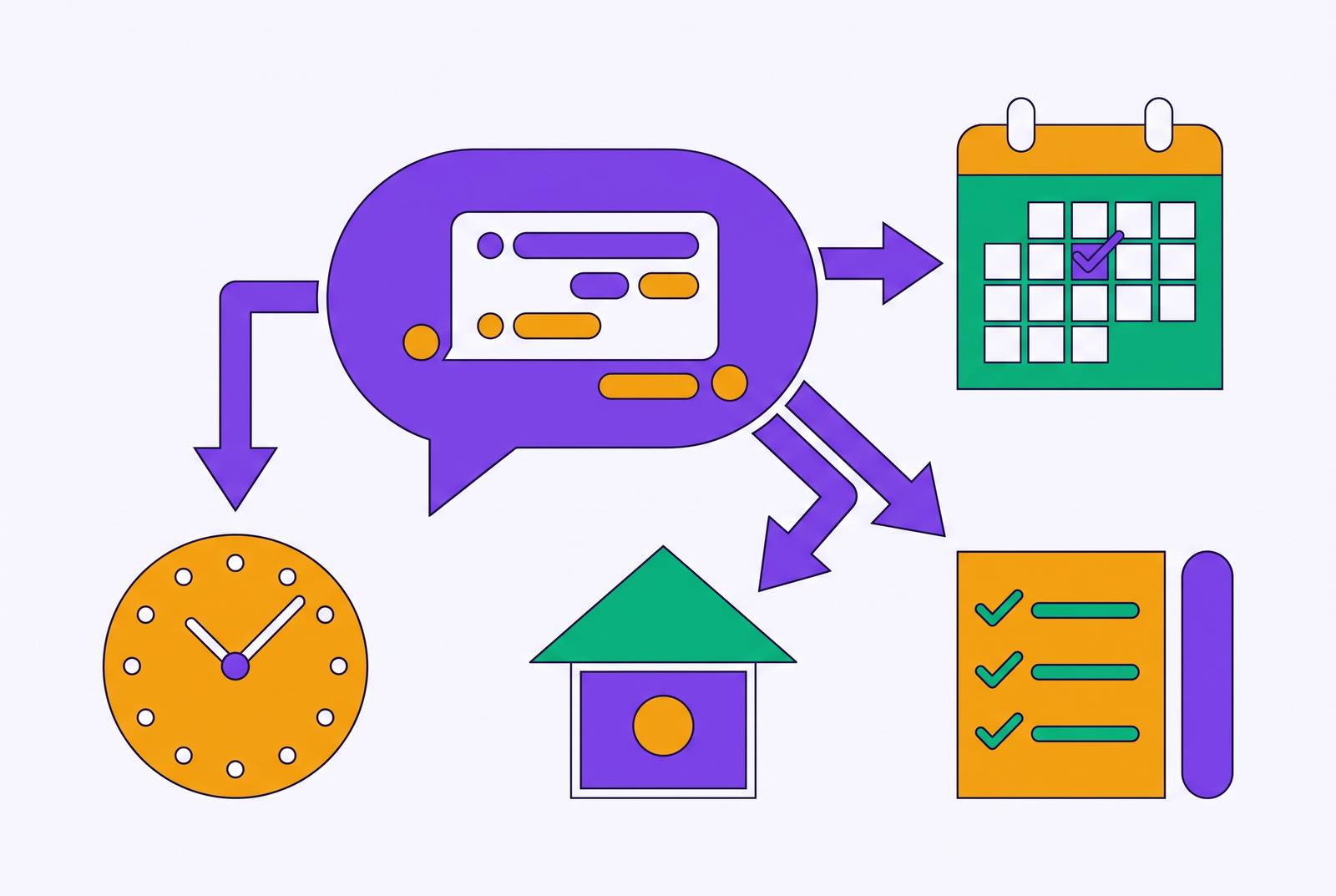
The gap between a useless AI response and a genuinely helpful one almost never comes down to which model answered. It comes down to how the question got written. A chat tool handed a vague instruction fills in the blanks with something generic, and the blanks are usually where the important details were supposed to live. Giving it structure, the same tool produces something you can actually use. This is the core problem that tools like Vellum, a memory-powered AI assistant that learns your preferences and takes autonomous actions across your everyday tools, are designed to reduce by carrying context forward so you're not rebuilding it from scratch each time. This piece walks through the prompt patterns that make that difference across the tasks people run into every day: email, planning, meals, decisions, hard conversations, and long documents.
Why most AI responses to personal tasks fall flat
When you type "help me plan my weekend" or "write me an email" into a chat window, the output that comes back tends to read like it was written for no one in particular. That's because it was. The model hands back something generic because the prompt asked for very little, so it fills the rest with the most statistically average version of the task it can produce.
The clearest demonstration of this comes from a tested comparison: asking ChatGPT to "write a professional email" returns boilerplate, while asking for "a 120-word reply with one clear ask and a friendly close" returns something close to sendable. Same tool, same model, same day. The only variable that changed was the prompt. That one comparison carries the whole argument of this piece: the gap between a useless and a useful answer is a writing problem, not a technology problem, and it shows up the same way whether the task is an email, a weekly schedule, a grocery list, or a hard conversation with a roommate.
The four ingredients every useful personal prompt shares
Before getting into categories, it helps to have one mental model that works across all of them. Four ingredients appear in nearly every prompt that saves time instead of creating an editing job afterward.
Role comes first: tell the model what position to occupy, like "act as my email assistant." This narrows the tone and priorities before a single word of the actual task gets written.
Task comes next, and it has to be exact. Not "help with my day" but "turn these tasks into a day plan." Vague tasks get vague outputs, every time.
People skip constraints most often, yet constraints matter most. Length, tone, what to leave out, what to keep. A 120-word limit forces different choices than an open-ended one. A tone of "warm but direct" steers the output somewhere specific instead of somewhere safe and bland.
Output format closes the loop: say whether the result should come back as bullets, a table, a numbered list, or a short script. Without this, the model guesses at a shape, and the guess is often wrong for what you actually need.
One addition makes this framework more forgiving when you're not sure which details matter yet. Opening the prompt with "Ask me any clarifying questions you need" makes the model surface gaps before generating anything, working from your actual context instead of filling silence with assumptions, which costs nothing to add.
Email and communication prompts
Email is the highest-frequency personal task most people hand to AI, and it's the clearest place to see the four-ingredient framework pay off immediately. The average professional spends roughly 2.5 hours a day on email, and most of that time goes toward decisions the writer already knows but hasn't written down: how formal to be, how long the reply should run, what the one actual ask is.
A core inbox-reply prompt handles the fast case: "Act as my email assistant. Draft a brief reply. Keep the tone warm, concise, and confident. Confirm receipt, answer the key question, and end with one next step. Input email: [paste]." The reason this version comes back close to usable is that length and structure get decided before the model starts writing, so there's no heavy editing pass required afterward.
For more complicated professional situations, a richer variant adds more dials: "Write an email to [recipient] about [topic]. Tone: [polite/professional/casual]. Message goal: [goal]. Length: no more than [number] sentences. Include: [most important information]. End with a short call to action." Picture a case where an implementation date needs to move. Set the tone to professional and calm, the goal to inform the recipient while preserving the relationship, and the required content to the reason for the delay plus the new date, closing with a suggested call. The same template handles declining a request, following up on something that's gone quiet, or adjusting how warm or firm the message reads, just by changing the tone and goal fields.
Day and week planning prompts
Planning a day or a week is where a lot of people get stuck: turning a task list into a workable sequence takes a judgment call they don't have time to make carefully. AI prompts built around planning hand that architecture problem to the model while the user keeps control of the facts: available hours, task list, priorities.
A core calendar-planning prompt reads: "Turn these tasks into a realistic day plan. Use time blocks, breaks, and one contingency buffer. My work hours are [range]. Tasks: [list]." A tested version of this using six tasks, including two calls, produced a schedule with priorities attached and handled the mixed load without difficulty.
A weekly variant pushes further: "Help me plan my day/week. Here is my task list: [paste list]. I have [number] hours per day available. Arrange the plan by priority, indicate what to do first, what can be postponed, and what should be grouped together. Add realistic time blocks and a short explanation". The grouping instruction deserves attention on its own. Batching similar tasks together cuts down on context-switching, and that's the specific place where planning prompts earn their keep.
Some planning tasks need pruning before they need scheduling. A set of prompts built around goal-alignment asks "How many of these tasks are aligned with my long-term plan?" or requests to "convert this messy plan into a clarity-induced plan," which works well when the list itself is the problem rather than the order of items on it. And when the raw material is meeting notes or a brainstorm rather than a clean task list, a structuring prompt turns that mess into something usable: "Turn these notes into a plan with milestones, owners (use placeholders), risks, and dependencies," with the output returned as a table.
Meal planning and grocery prompts
Meal planning might be the cleanest example of the four-ingredient framework at work outside a work context, because the constraints involved are naturally numeric. Budget, headcount, and exclusions are all facts, not feelings, which makes them easy to state precisely.
A core prompt covers the whole task in one line: "Create a 5-day dinner plan under [$budget] for [number] people. Avoid [ingredients]. Reuse perishables. Return meals plus a grouped shopping list". A tested version of this prompt, built around a two-person household on a fixed budget with a shellfish exclusion, produced practical menus and a shopping list organized by category.
What makes this one work is that every constraint in the prompt is something the model can act on directly: a dollar figure, a headcount, an ingredient to avoid, an instruction to reuse perishable items across the five days so nothing goes to waste. Organizing the shopping list by store section turns the output from a list of facts into something you can use standing in an aisle.
Decision-support prompts
Planning and meal prompts move logistics around. Decision-support prompts move into judgment, and that's a different kind of task entirely, one where AI needs to stay in a structuring role rather than stepping into the role of decider.
A core thinking-partner prompt makes that boundary explicit: "Help me think through this decision. List the pros, cons, trade-offs, risks, and questions I should answer before deciding: [describe decision]." Notice what this prompt asks for: not an answer, but the shape of the question. It keeps the model surfacing what the user needs to know rather than telling the user what to do.
A decision-matrix variant pushes into more quantified territory: "Compare these options using criteria, weight each criterion from 1 to 5, score each option, and recommend one with a short rationale. Options: [list]. Criteria: [list]". This version works well for concrete consumer choices, like comparing budgeting apps or service plans, and gets less reliable once the criteria involved are hard to put a number on. A pre-step borrowed from Microsoft's prompting guidance adds one more layer of safety: asking the model to pose three clarifying questions before it starts reasoning, so it's working from facts supplied by the user rather than facts it assumed.
But how much should a person trust a tidy pros-and-cons list generated in seconds? A 2025 arXiv study found that chain-of-thought prompting, the kind that produces this step-by-step reasoning, can actually make hallucinations harder to detect even as it tends to reduce how often they occur, and tested reviews of decision-support prompts flag the same risk in plainer terms: the model can invent criteria weights or assume facts that were never in the record, producing false confidence dressed up as careful analysis. The output from any of these prompts is a cleaner starting point.
That limit matters more as the stakes rise. For anything touching health, money, or legal standing, the right posture is to treat the model as a draft engine and run your own judgment over what it returns: AI augments the thinking involved, it doesn't substitute for it.
Difficult-conversation preparation prompts
Decision support asks the model to organize facts. Preparing for a hard conversation asks it to organize something messier: what to say, what might come back, and how to stay steady when it does. That's exactly the kind of task where a structured output, goal, opening, likely reactions, calm responses, turns avoidance into something closer to readiness.
A core prompt lays out that structure directly: "Help me prepare for a difficult conversation about [issue]. Give me a goal, opening script, likely reactions, and calm responses. Keep it respectful, direct, and brief." A tested version of this prompt used the scenario of asking a roommate to reduce noise, and the output came back as role-play lines, not a substitute for therapy, but a genuinely useful rehearsal tool.
Writing the conversation out in advance, goal first, then opening line, then likely pushback, then a calm response to each, turns an unscripted confrontation into something that's been mapped out and can be reviewed before it happens. The constraint at the end of the prompt, "respectful, direct, and brief," is doing real work. Without it, outputs tend to drift toward either blandness or unnecessary escalation.
This kind of prompt handles preparation and wording, not emotional processing. Where a conversation involves real personal conflict, the right next step is a person trained for that.
Document extraction and summarization prompts
The categories above all involve the model producing something: an email, a schedule, a menu, a script. Document tasks run the opposite direction. The job is reading something long and pulling out the handful of facts that actually matter, and that's a different kind of structure problem.
A core extraction prompt reads: "Read this document and extract only: deadlines, fees, cancellation terms, obligations, and exceptions. Quote the relevant line where possible." Run against a service agreement, this prompt produced what one tested review called an audit-style bullet list, describing the result as a genuine time saver. The instruction to quote the relevant line is the part doing the real work here: it forces the model to stay anchored to the source text instead of paraphrasing from memory, which cuts down on the risk of a fabricated detail slipping into the summary.
For meeting notes or longer content that needs condensing rather than auditing, a different structure applies: "Read the text below and summarize it in a simple way. Provide: 1) key takeaways, 2) action items, and 3) open questions," or some similar numbered breakdown. The numbered output format matters as much as the summarization instruction itself. A paragraph summary still requires the reader to hunt for what's actionable. A numbered list separates takeaways from next steps from unresolved questions, and that separation is what turns a long document from a reading task into something closer to a scan.
The tools keep changing. The structure behind a prompt that actually works stays the same, even as the tools change.