Why Most AI Tools Add Tabs Instead of Removing Them and What a Reasoning Engine Changes
Reasoning engines reduce tabs by anticipating what comes next without taking over.
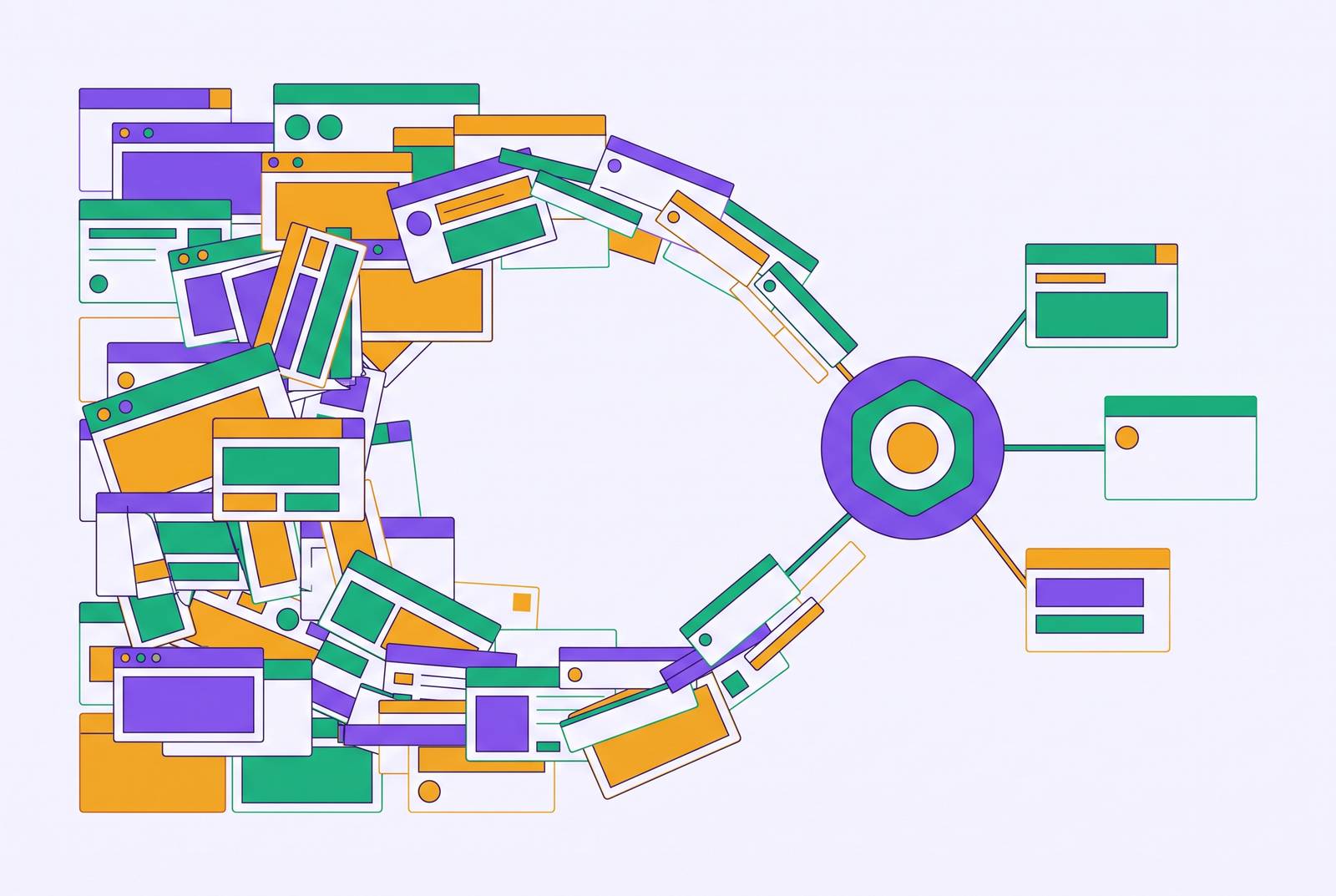
Most AI tools add tabs because they speed up isolated tasks while leaving people to reconnect the work. An AI assistant for context-switching and cognitive load reduction needs shared context, cross-system coordination, and pattern memory across sessions. A reasoning engine changes the workflow by anticipating what comes next, reducing the need to open another tab without taking over human judgment.
Why AI tools consistently add to cognitive load instead of reducing it
People adopt AI to save time, then find themselves with more output to review and more unfinished work to track. This does not necessarily mean they are using the tools badly. Even when a draft takes less time, its author can still be juggling the brief, project notes, email history, and generated text. The task feels easier to do inside the AI interface. Outside it, the work is still scattered, and the person has to keep the pieces connected.
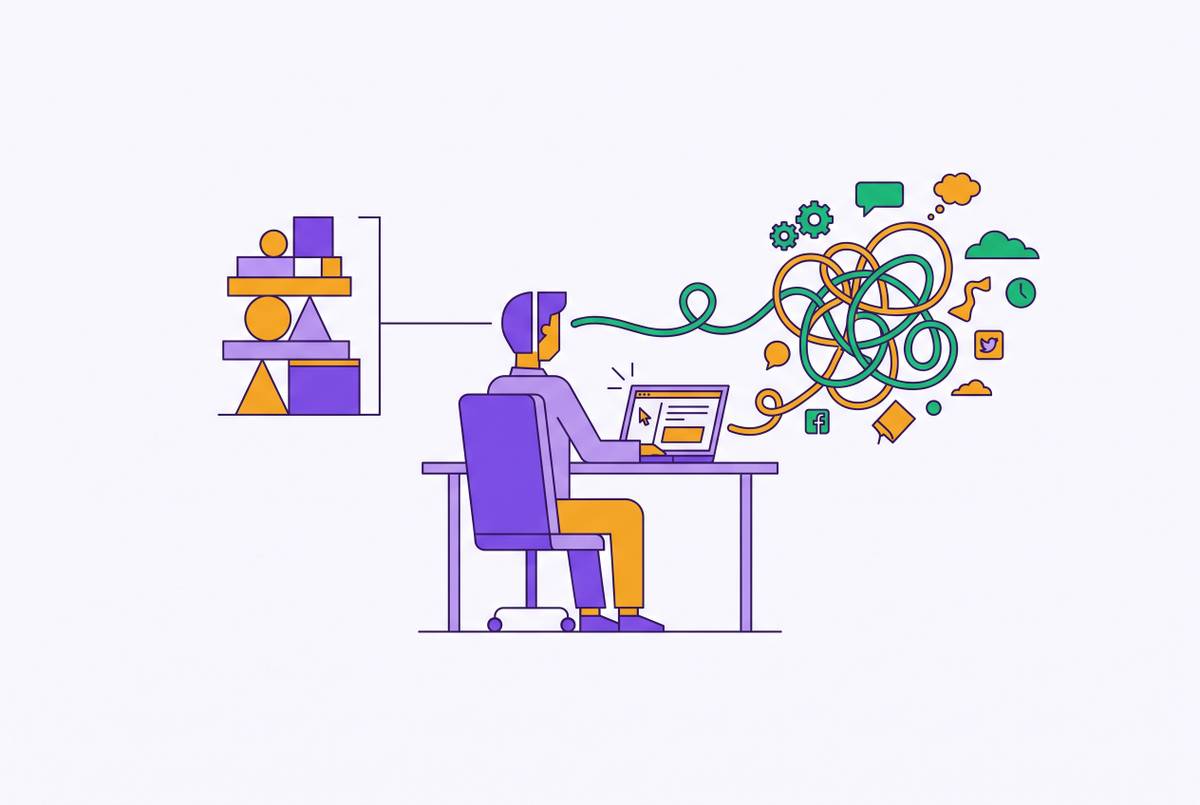
Open tabs are not simply clutter on a screen. They function as a spatial memory system, with each location standing for an unfinished thought or something that needs attention later. Clearing a workspace by closing a tab can then feel like losing a reminder. Yet working memory can hold only a small number of these open loops before disorientation and errors rise. The browser preserves the pages, but the person still has to remember why each one is there.
AI can add to that burden by making more material than people can keep up with in the rest of the workflow. There is more to sift through when the content grows but the sources, decisions, and next steps are still disconnected. This is a coordination problem. A tool’s value therefore depends both on whether it makes a task quicker and on whether completing that task leaves the person with less context to reconstruct, or merely another result to fit into the same fragmented day.
Why point solutions are structurally designed to generate more tabs
The point-solution model divides work into narrow capabilities while leaving the connections between them to the user. A writing tool handles text, a research tool gathers information, and a notes tool holds project material. Each can do its part well in isolation. But when none shares the context of the others, the user becomes the integration layer, moving information and deciding what each tool needs to know. Giving a tool more to do can thus add a handoff.
Drafting a proposal makes the structure easy to see. The client brief sits in one tab, project notes in a second app, and relevant correspondence in email. Before asking AI to draft anything, the person has to bring those pieces together and give it the context that links them. The AI speeds up only part of that sequence. The manual work of finding, transferring, and interpreting information remains, even if the resulting prose arrives almost immediately.
Traditional browsers were designed for passive information browsing rather than a dynamic, interconnected workspace. Adding AI extensions to that structure does not, by itself, change how the work is organized. At the individual level, the result can be a dozen or more specialized AI products open simultaneously, none sharing context with the others. The same pattern grows inside an organization. When adoption outpaces governance, “AI agent sprawl” brings inconsistent security policies, duplicate infrastructure, and fragmented data without a single point of control.
This is not a verdict against specialization. A tool built for one purpose can be useful, and the problem does not depend on which particular product performs that purpose. It arises at the boundaries between tools, where responsibility for continuity falls back to the person. AI accelerates the individual tasks while those boundaries stay in place. As a consequence, a fragmented workflow can generate more activity without becoming easier to manage.
The speedup illusion and why feeling productive can hide deeper overload
Part of the difficulty is that AI assistance often feels helpful even when the whole workflow has not improved proportionally. Producing a draft takes less effort, so it is natural to experience the process as faster. But felt effort is not total work. Getting the context together first, checking the result afterward, and moving it into another system are all part of the same task, even when the AI interface shows only the generation step.
Microsoft Research’s CHI 2025 study found that people who had more confidence in AI tended to do less critical thinking. The distinction between tasks is important here. For routine, low-stakes work under time pressure, participants reported spending less critical effort, while for high-stakes tasks requiring accuracy, they reported spending more with AI. Those findings challenge the idea that reduced effort is always a gain.
Under pressure to produce more, teams can generate substandard output that someone else must repair. That cleanup can erase the time saved during generation, while the original task still feels as though it went well. Mental fatigue can persist for a similar reason, since switching between tools imposes a cognitive tax separate from the effort of composing or analyzing.
Would removing every difficulty make work better? Not necessarily, because some research links higher cognitive load with stronger critical thinking through what researchers call “desirable difficulty.” Scrutinizing a claim or resolving an ambiguity can be effort worth preserving. Finding the same project context again is a different kind of demand. The design goal is therefore not effortless work, but a better distribution of effort, with less spent on reconstructing the workflow and more available for judging its results.
What the AI browser generation got right and where it still falls short
AI-native browsers tackle a weakness in the point-solution model by putting help closer to where the information already is. The wave that emerged in the second half of 2025 and into 2026 included ChatGPT’s Atlas, Perplexity’s Comet, The Browser Company’s Dia, and Brave with Leo AI. Their shared direction is significant. Rather than asking people to move every piece of web context into a separate chat tool, they attempt to collapse multi-tab work into one interface.
Agentic browsers extend that approach from answering questions to performing sequences of actions. Comet can handle multi-tab research, product comparisons, and form-filling autonomously, taking on steps that a user would otherwise perform across open pages. That is a real change in responsibility. The person can define a goal instead of manually driving each intermediate action, reducing some of the navigation and handoffs that make ordinary browser work tiring.
However, coordinating a session and maintaining continuity across sessions are different capabilities. Without persistent cross-session reasoning, a browser still depends on the user to re-establish context when work resumes. It can execute the present request without learning what is typically needed next. The interface may become less crowded while the person remains responsible for restarting the workflow. This is the memory gap that browser automation alone does not close.
Are answers consistent across attempts, is the choice of sources understandable, and how is paywalled content handled? Those questions still matter even when it is easier to move between pages. They show why fewer visible tabs cannot be the only measure of success. The stronger test is whether the system preserves useful context while leaving the person able to examine the basis of its output.
What should an AI assistant do to stop context loss between projects?
The distinction starts with who supplies the next step. An assistant offers context-aware generation, but the user must formulate the request, provide relevant information, and initiate each action. An agent adds reasoning, planning, and enough autonomy to carry out a multi-step workflow across systems. The user defines the goal. A reasoning engine with pattern memory goes further by learning what the user typically needs over time.
Pattern memory is the decisive addition. Knowing what was asked today helps with the reply now, while knowing which needs keep coming up helps work out what should happen next. That distinction changes the source of the effort. The reasoning layer can work out the steps ahead in the workflow instead of asking the person to rebuild context and guide the steps each time.
For a knowledge worker who loses their train of thought between projects, the relevant criteria follow from that distinction. Shared context links information across tasks, cross-system coordination cuts down on handoffs that people have to do themselves, and persistent pattern memory helps keep work connected after a session ends. An assistant may write excellent text without coordinating systems, while an agent may coordinate systems without remembering what the person needs time after time. The category name alone does not establish that the memory gap has been closed.
At enterprise scale, a centralized AI runtime serves a related purpose by making AI activity governable, discoverable, and accountable from one place. The analogy is a unified container orchestration system that brings scattered workloads under a single point of control. Control alone, however, is not the human goal. The reasoning engine should remove friction from coordination without removing the judgment that makes the work worth doing. Augmentation means returning attention to the person.
What the tab reduction looks like when a reasoning engine is actually in place
IBM’s AskHR, powered by Watsonx Orchestrate, consolidated fragmented HR chatbots into a unified agentic system serving its global workforce. IBM reports more than 11.5 million employee interactions in 2024 and more than 16 million individual user messages in 2025. AskHR also achieves a 94% containment rate for common questions, resolving those inquiries without human intervention. The routing burden changes as a result. HR staff who would otherwise move between systems to answer common queries no longer need to sit inside that loop.
Toyota’s logistics deployment illustrates a similar change in the shape of work. The human planner moves from “data chaser,” searching across systems for problems, to “exception handler,” beginning with a consolidated report of issues already solved or queued for expert review. Source systems that once demanded separate attention no longer all need to be opened just to discover what needs action.
These cases show cross-system coordination, but they give no measured tab count or proof of every personal pattern-memory capability. That boundary is worth keeping clear. Their relevance is that the system takes over the routing and discovery work that previously required people to move among fragmented sources. Human involvement then concentrates on the questions that still need expertise. This helps with tab reduction because people have fewer reasons to open the source systems, which goes beyond hiding those systems behind a tidier screen.
At individual scale, the implication is a different way to judge whether AI assistance reduces cognitive load. That judgment depends on whether returning to a project requires rebuilding its context, whether information still has to be carried manually between tools, and whether every next step still needs a new request. A fast answer can coexist with all three burdens. A reasoning engine earns its place when continuity and coordination ease those demands and the person still gets to judge the work.
Tools built to accelerate throughput make each isolated step faster while leaving the user responsible for the connections. Tools built to augment judgment take on the connections so that attention can stay with decisions that deserve it. The meaningful improvement is a working day in which fewer unfinished thoughts need a tab to hold their place.