ADHD Organization Tools and Systems for Adults
ADHD brains need organization systems built for how they actually work, not discipline.
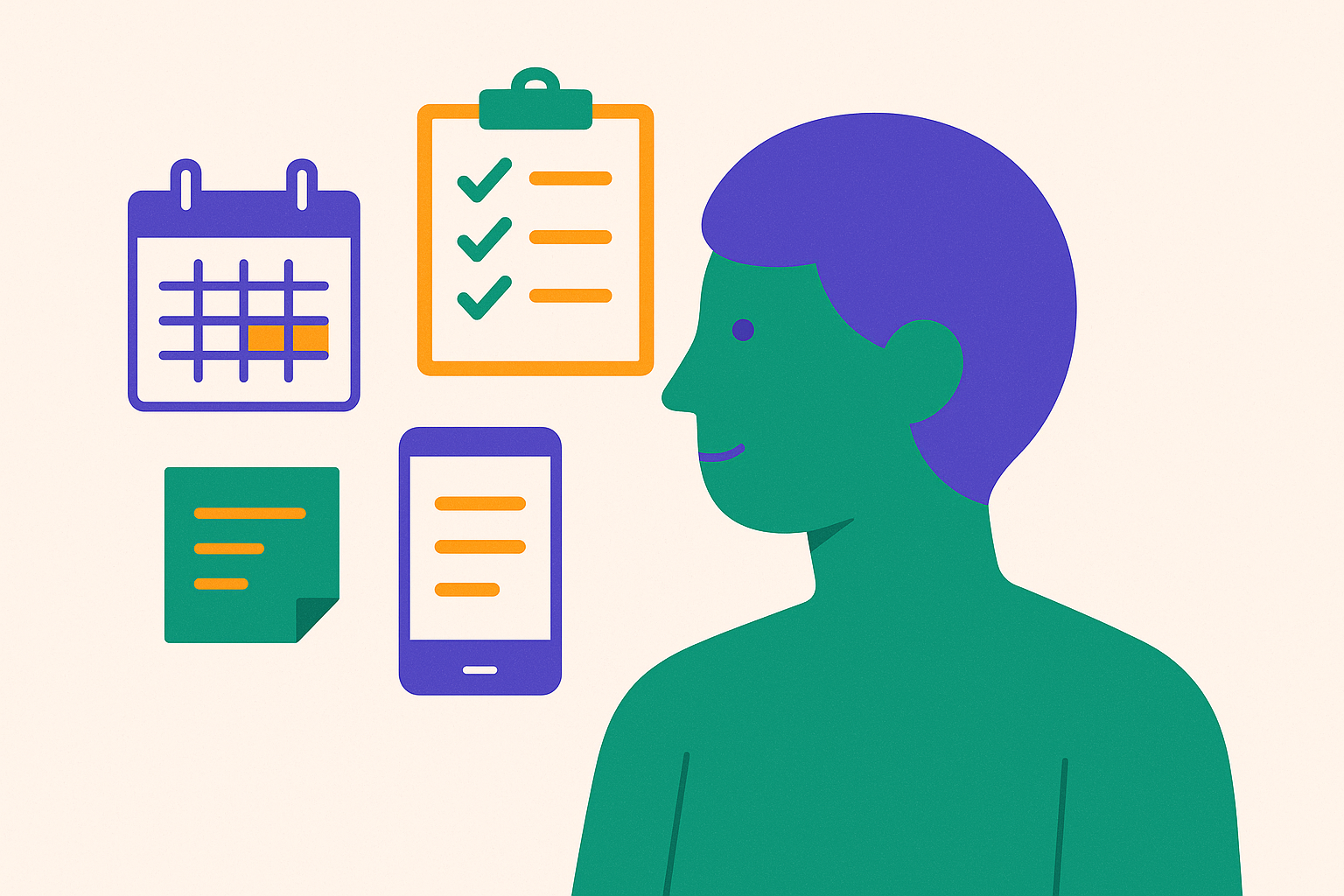
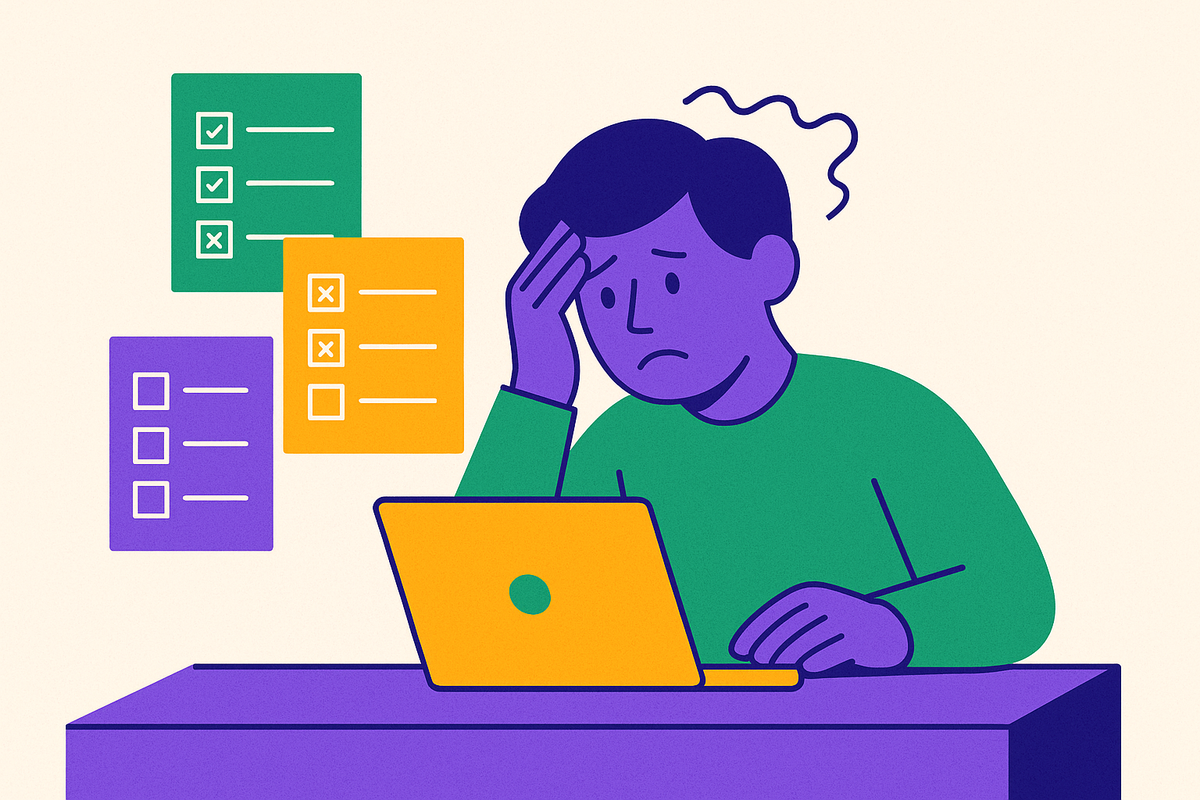
My planner drawer has four dead systems in it: a Panda Planner I used for exactly nine days, a bullet journal with beautiful habit trackers through January 14th and nothing after, and two apps I paid for and opened maybe six times total. If you've got a similar graveyard, I want to walk you through why it happened, because it's probably not the reason you think.
Organization fails for ADHD brains for a specific, well-documented reason: the tools most people reach for assume a brain that can hold a plan in mind, sense time passing, and start a task just because it's sitting on a list. That's not how ADHD wiring works, and no amount of gritting your teeth changes it. So this piece maps out the tool categories that actually match how ADHD executive function operates. I didn't find some magic app. What happened instead is that I finally understood what I was building a system against.
Here's the part that changed things for me: this is a brain issue, not a discipline issue. The prefrontal cortex handles planning, prioritizing, and starting tasks, and in ADHD brains that region runs with reduced activity. Add lower dopamine availability and you get a broken reward loop. Neurotypical brains feel a little hit of anticipation before starting something, while ADHD brains often feel nothing at all. That's why a task can matter enormously and still refuse to start itself.
Time blindness makes it worse. Meta-analytic research pooling dozens of studies has found consistent, significant timing deficits in people with ADHD compared to those without, and this isn't some poetic metaphor about feeling rushed. The brain genuinely struggles to sense elapsed time or estimate how long something will take. A flat to-do list with no time markers gives it nothing to hold onto. Working memory piles on a second problem, because out of sight really does mean out of mind for us; a task buried on page three of a long list might as well not exist once it scrolls off screen.
Then there's task initiation, which sits apart from motivation entirely. Knowing you need to do something and being able to actually start doing it are two different neurological processes, and ADHD disrupts the second one specifically. That's why any tool with friction (an extra tap, a login screen, a menu you have to dig through) gets abandoned within a week. Stack decision paralysis on top, too many options and no clear priority, and you've got a brain that shuts down before it even gets moving. A system that requires discipline to maintain works against the exact functions ADHD impairs, so the tools that actually help take the load off those functions instead of demanding more of them.
What makes a tool actually work for an ADHD brain
Most productivity apps get built around neurotypical executive function, whether their designers know it or not. That's not a knock on them, but it is a mismatch, the same way a left-handed pair of scissors isn't broken, just built for a different hand.
So what actually holds up? Four things, and I'd call them non-negotiable at this point:
- Fast capture. If logging a task takes more than a few seconds or more than one or two steps, the thought is gone before the app finishes loading.
- Visual externalization. The system has to put things in front of your eyes. It can't wait for you to remember to go look.
- Flexibility without punishment. Miss a day and the system should shrug, not break. Undated layouts and moveable tasks stop the guilt spiral that ends with someone quietly deleting the app by week two.
- Dopamine-conscious feedback. Small visible wins, streaks, checkmarks, whatever the format, matter more here than they do for neurotypical users, since the internal reward signal starts out quieter.
Simple priority logic beats comprehensive systems almost every time, by the way. "What are my top three today" consistently outperforms a long, neatly categorized list, because it cuts down how many decisions you face before you can act at all. And give any new system two weeks before you judge it, since the brain needs repetition to wire in a habit loop, so writing off a tool after day three is judging it before it ever had a shot.
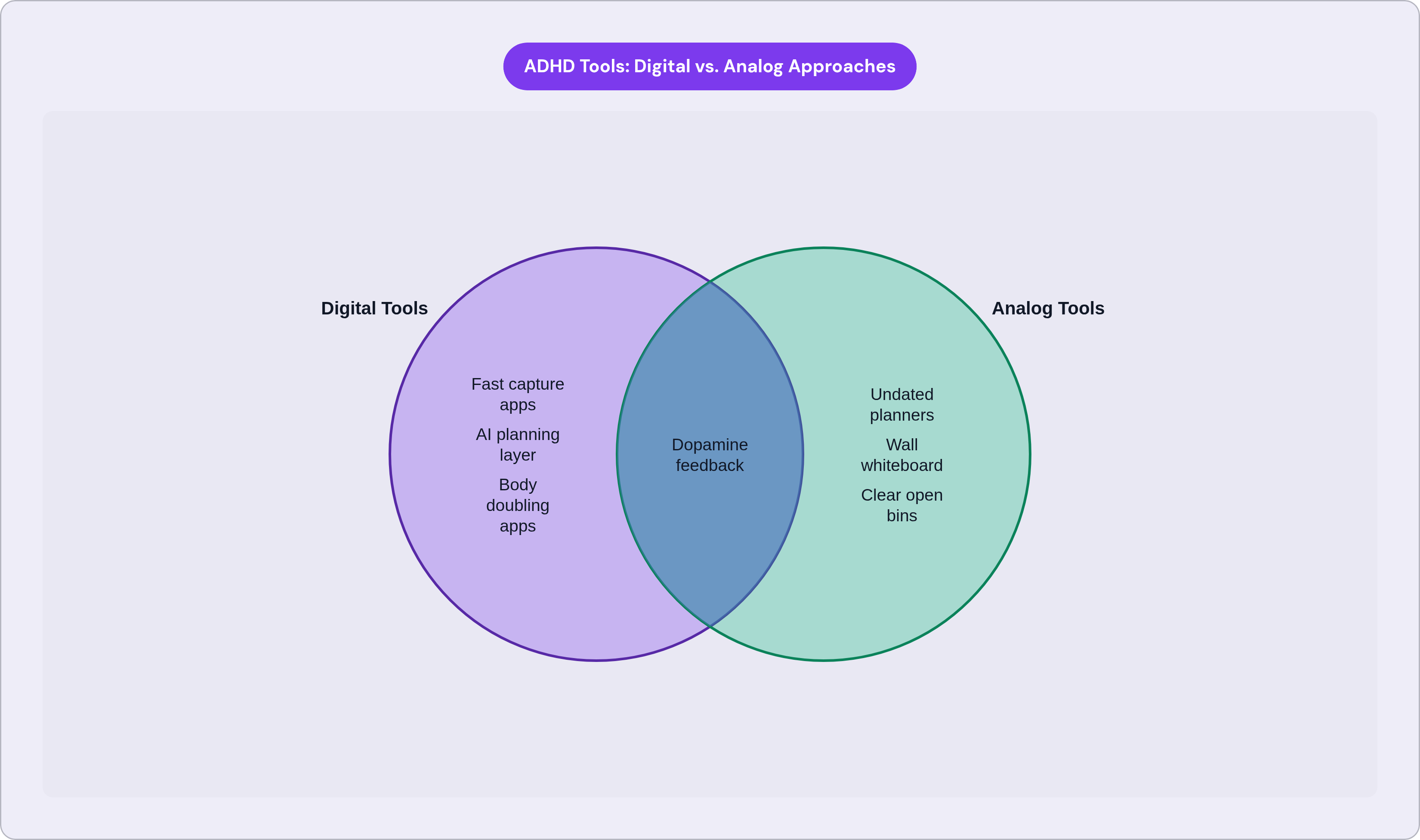
Digital and analog can both work equally well. Fit to your own lifestyle and sensory preferences decides that, not the tool's feature list.
Task management apps that reduce capture friction and tame the to-do list
A task manager's real job is externalizing working memory, well ahead of any project management sophistication.
Todoist lets you type "tomorrow at 3" or "every Friday" straight into the task box, no menu diving required. Priority levels and recurring tasks cut down the decisions you face each morning, and the interface stays visually quiet, which matters if a busy screen tends to shut you down before you've even picked a task.
Trello takes a different approach, laying tasks out as cards across columns so status is visible at a glance. That answers the out-of-sight problem directly: nothing moves unless you drag it, and everything stuck stays visible in one place, which works especially well if you think spatially.
ClickUp offers list, board, and Gantt views, so you can switch the display to match whatever mode your brain is in that day. It's genuinely customizable, which is a real strength, but that same richness turns into a paralysis trap fast if you don't strip it down to what you actually need. I've watched people spend an entire afternoon "setting up" ClickUp instead of doing the three things they opened it for.
Goblin Tools, specifically the Magic ToDo feature, does something none of the above do on their own: it breaks a big, vague task into smaller steps automatically, and estimates how long each one takes. That hits initiation paralysis and time blindness in the same move, and it's free, browser-based, no account required, so there's genuinely no reason not to try it once.
The heuristic that matters more than any feature comparison: pick the app that makes capture fastest on your worst-focus day, not the one that looks best on your best day.
Visual scheduling tools that give time blindness an external structure
A list with no time anchors reads more like a suggestion to an ADHD brain, one that's easy to quietly ignore by 2pm. Visual timelines fix this by turning abstract time into something your eyes can actually track.
Tiimo was built specifically for neurodivergent users, not adapted from some generic productivity template after the fact. It turns your to-do list into a realistic daily timeline you watch unfold, and there's a free tier if you want to test the fit before paying for anything.
Structured lays your whole day out as colored time blocks, doing the job your internal clock can't. It also folds in energy tracking developed with ADHD professionals, matching task type to your natural energy rhythm instead of assuming every hour is equally good for hard focus. It's one of the most downloaded day planners in its category, with particularly strong adoption inside ADHD communities.
For people whose time blindness makes manual time-blocking unreliable (and let's be honest, that's most of us), Reclaim.ai and Motion carve out focus blocks, buffer time, and breaks automatically. The scheduling decision just gets made for you, which sounds small until you realize how much energy that decision was quietly costing you every morning.
The low-tech option deserves consideration too. A large wall calendar or whiteboard in a high-traffic spot works precisely because it's ambient: you don't have to remember to check it, you just walk past it and see it, with no login, no notification to swipe away, no app buried under twelve others you also forgot about.
One principle holds across every tool in this category: if checking your schedule takes deliberate effort, you won't check it.
Focus tools that work with ADHD attention patterns rather than demanding sustained concentration
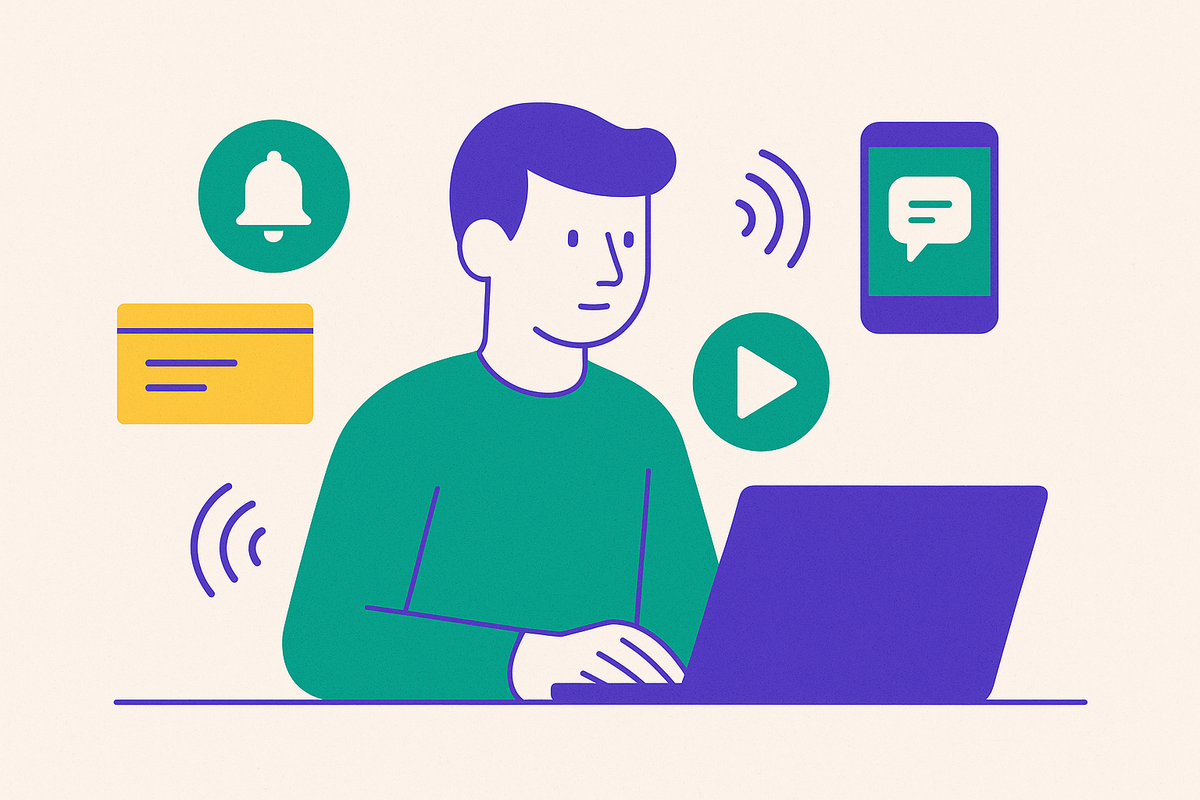
ADHD attention is dysregulated rather than missing. Hyperfocus is real, and it can be genuinely intense, but starting and holding ordinary, moderate attention on a task you're not obsessed with, that's the actual struggle most days.
Pomodoro-style timers, apps like Focus Keeper or Brain Focus, break work into set intervals with built-in breaks, giving you the external time structure your brain won't generate on its own. Knowing a break is coming in twenty-five minutes lowers the resistance to starting in the first place. Customization matters here, since one fixed interval doesn't fit every ADHD attention profile; look for something you can adjust rather than something rigid.
Forest App gamifies the whole thing by growing a virtual tree during your focus session; leave the app, and the tree dies. That's a concrete, immediate consequence, and ADHD brains respond to those far more reliably than to some abstract future benefit like "productivity."
Sound matters more than people expect, too. Research published in Communications Biology found that music with fast amplitude modulation improved performance on attention tasks, with the effect stronger in people reporting higher ADHD symptoms. Apps like Brain.fm and Focus@Will are built around that specific mechanism, going beyond generic white noise or whatever lo-fi playlist happens to be trending.
Then there's body doubling. Apps like Focusmate and Flow Club pair you with a stranger for a scheduled video work session. Nobody's talking, nobody's checking your work, but the social presence alone activates an accountability response a lot of ADHD adults already stumbled onto naturally, the "I focus better with someone quietly in the room" thing.
What ties all of this together? Each tool supplies something external, a time cue, a social presence, a sound pattern, an immediate reward, standing in for the internal regulation ADHD brains tend to run short on.
Analog planners and physical systems that keep things visible without requiring a screen
Physical tools carry one advantage no app fully replicates: they exist in your actual space. You can't minimize a notebook or bury it under a stack of open tabs.
A few formats worth knowing:
- Panda Planner combines daily, weekly, and monthly views with built-in reflection and gratitude prompts, which gives you a small dopamine hit just from reviewing what you got done.
- Planner Pad uses a funnel layout, categories first, then priorities, then time blocks, baking the prioritization step into the page instead of leaving it up to you to remember on a bad morning.
- The Happy Planner, disc-bound and fully rearrangeable, lets you reorder pages and tabs to match how you actually work instead of sticking to whatever template it shipped with.
- Bullet journaling offers total flexibility for almost no cost, but it demands real upfront setup, so it's better suited to someone who already has some organizational habits than someone starting from absolute zero.
Undated layouts deserve their own mention here, because they solve a specific emotional trap. A dated planner turns a missed day into visible proof of failure, sitting right there on the page in your own handwriting, and that guilt is what triggers full abandonment of the whole system. Undated pages let you just pick back up, with no visual scar left behind.
Physical space matters too, not just paper. Clear, open-topped bins keep contents visible instead of hidden, closing the out-of-sight problem for objects the same way a visible task list closes it for to-dos. Designated spots for keys, your bag, your wallet cut down the daily search-and-decide loop before it starts. A wall-mounted whiteboard in the kitchen keeps priorities ambient, present without asking to be checked.
None of this competes with digital tools, either. Plenty of ADHD adults run sticky notes or a small notebook for quick capture right alongside a digital scheduler for the bigger picture, both at once, with no contradiction there.
AI-assisted tools that handle the planning layer the ADHD brain finds most costly
The hardest part of getting organized was never really the doing. It's the deciding: what to work on, in what order, starting when. That decision layer is exactly where ADHD executive function struggles most. AI tools are starting to absorb some of that overhead, which frees you up to direct the work instead of babysitting the system that's supposed to track it.
Saner.AI and similar all-in-one AI planners pull tasks out of your notes, email, and calendar into one view and hand you a recommended plan each morning. That task-extraction step matters more than it sounds like it should: it's the exact step ADHD adults tend to skip, leaving half-formed tasks stranded in an inbox nobody ever revisits.
Notion AI layers intelligence on top of an already flexible workspace, summarizing notes, reorganizing pages, prompting next steps from things you already wrote down. That solves the blank-page problem quietly: the AI surfaces what's already there instead of asking you to reconstruct context from memory, which is exactly the kind of retrieval ADHD brains find expensive.
Vellum works as a personal intelligence layer that tracks context and patterns across your work, which speaks directly to a specific ADHD vulnerability: context-switching and the decision fatigue that follows right behind it. Its reasoning engine tries to anticipate what you'll need next rather than sitting idle until you ask, narrowing the gap between intending to do something and actually doing it, a gap executive dysfunction tends to stretch wider by the hour. It's built to support judgment rather than replace it: you're still the one deciding, while the system just carries the tracking and prioritizing load so your attention doesn't have to.
One thing to watch for: an AI tool with a complicated onboarding flow or a feature-stuffed interface can become its own source of overwhelm, which is more than a little ironic given the whole point was reducing overwhelm. The right AI tool should lower cognitive load in your very first session, not demand you master a new system before it gives you anything useful. The good ones surface the right thing at the right moment without you going to look for it: passive friction reduction, not one more interface competing for your attention.
Building a system that sticks by combining tools around your specific failure points
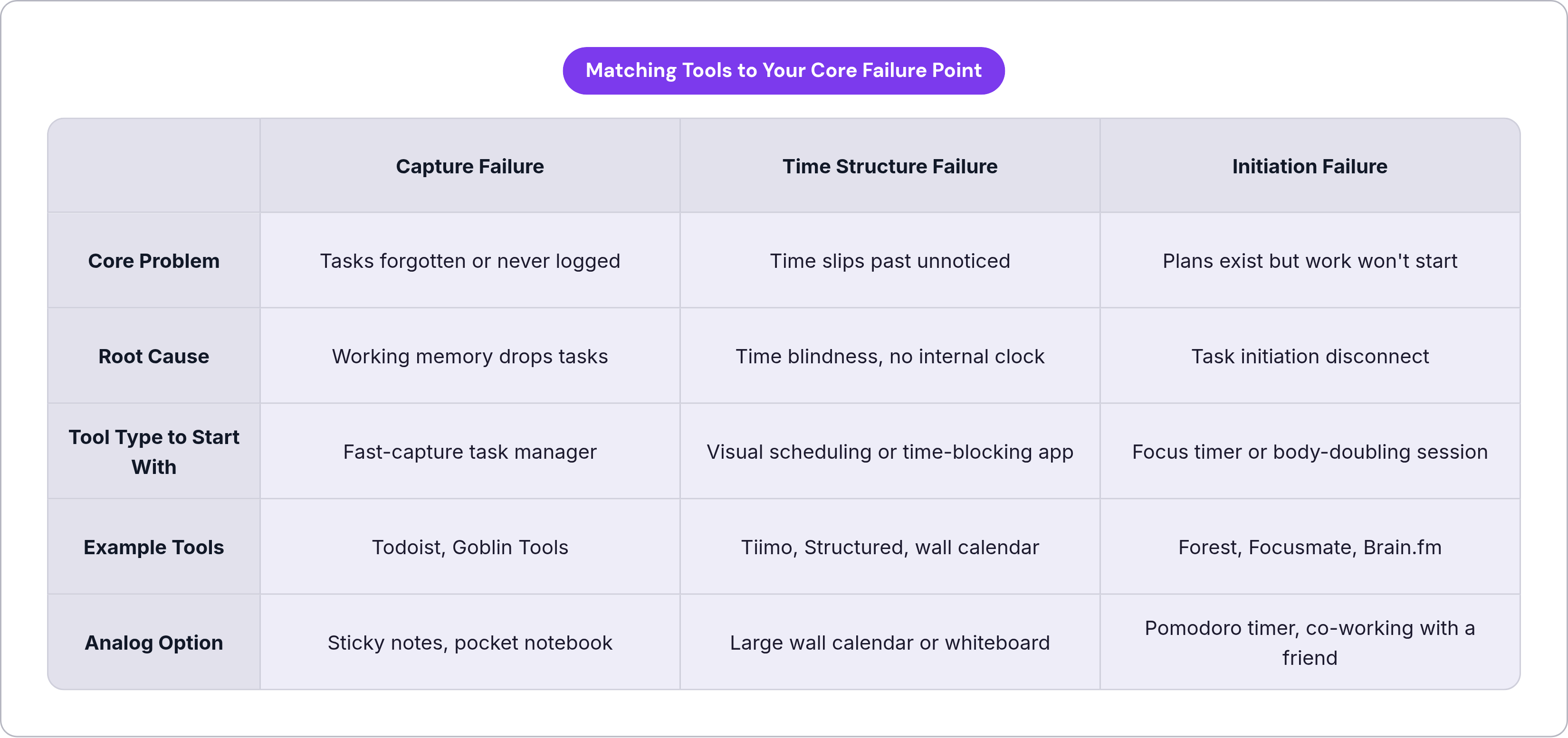
No single tool covers all three failure points at once: capture, time structure, and focus. Most ADHD adults need a small stack, not one mythical perfect app that does everything for them.
Figure out which failure point costs you the most, every single day, before you download anything else.
- Forgetting tasks constantly, or never writing them down in the first place? Start with a fast-capture tool.
- Tasks written down but time keeps slipping past unnoticed? Add a visual scheduling layer on top.
- Everything planned out but you stall before starting? Bring in a focus tool or a body-doubling session.
Keep the stack small on purpose. Every tool you add is one more system your brain has to remember exists and choose to open on a hard day. Two tools used consistently beat five tools used occasionally, every time; that's the whole strategy, not a compromise. Match the tool to the failure point, give it two weeks, and build outward slowly from there.
My drawer of dead planners taught me that eventually, and I wish it hadn't taken four of them.