Best AI Tools for Small Teams With No Dedicated Operations Role
Small teams need one anchor AI assistant plus specialists, chosen by workflow audit not vendor hype.
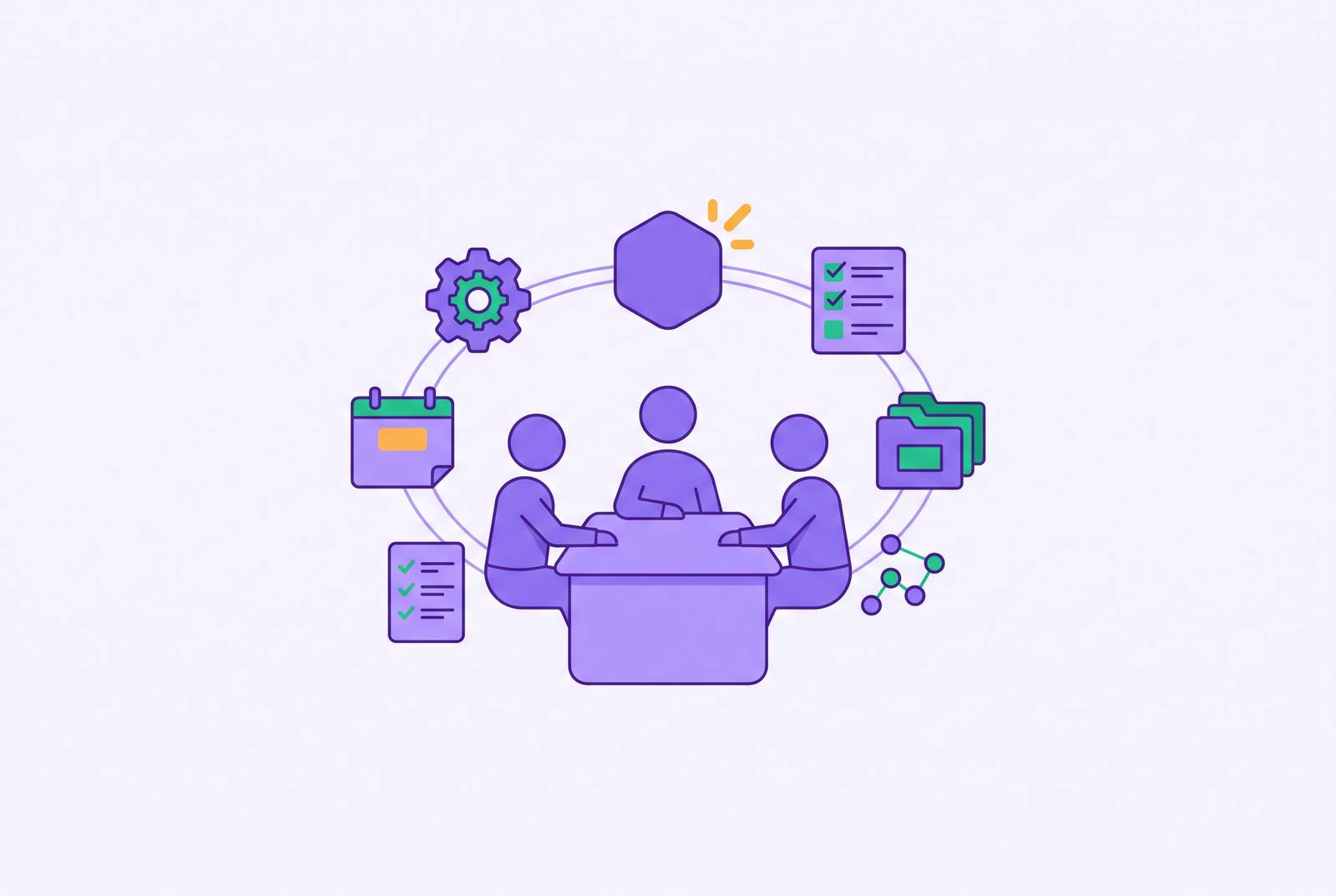
For solo founders and small teams managing multi-tool context switching, the best AI setup is one everyday assistant connected to existing workflows, with specialists added only where a pilot proves their value. ChatGPT suits broad work, another assistant suits long documents, and Gemini suits Google Workspace teams. The deciding factor is not how many tasks an assistant can perform, but whether the stack preserves context without creating another job to manage.
Why small teams without an ops role carry a structural disadvantage that generic AI lists don't address
Teams of 5–20 people cover meetings, customer communications, project tracking, content, and hiring without dedicated people to manage those workflows. Everyone absorbs the overhead on top of their primary work. Yet there may be no one whose job is to assess tools, set shared standards, or notice when an automation stops working. A poor choice can therefore linger well beyond its purchase.
The Sutopo 2026 guide identifies the challenge as choosing wisely among hundreds of products adding “AI” to their feature pages while offering marginal value over existing tools. AI can do tasks such as data entry, basic ticket routing, and transcription, but people still need to check quality and make decisions that could affect relationships. Teams need a deliberate sequence.
Why sprawl is a bigger risk than under-adoption for this audience
A subscription audit found a client paying for eleven separate AI subscriptions, accumulating over £4,000 a year in waste. Two people had independently bought writing tools, a transcription tool had gone unused for four months, and a top-tier design subscription served only free-tier needs. Each purchase could have looked sound on its own. The waste came from no one looking at the purchases together.
Subscription fees also represent only roughly half of actual AI spend, once integration, training, change management, and rework enter the picture. Fragmented information adds another cost. Discovery summaries remain in the note-taker, proposal language in the writing tool, and support history in the help desk, leaving each tool without the others’ context. Unapproved tools add data-exposure risk beyond the visible bill.
But putting everything in one vendor’s suite makes the team depend on that vendor. Higher renewal prices or a painful migration can offset the simplicity of consolidation. The goal is a lean, integrated stack.
The sequencing logic: audit the workflow before buying the tool
To avoid that drift, identify recurring tasks with both high friction and high frequency across five areas, namely inbound triage and routing, sales research and pre-call preparation, project and pipeline tracking, meeting capture and follow-through, and internal knowledge retrieval. Start where the repetition is hardest to ignore. Choose the anchor assistant first, then add specialists based on evidence from a pilot.
Before any new subscription goes on the card, apply one gate question. Can the team name a responsible person, define a simple measure such as hours saved per week, and secure the stack owner’s approval for a quarterly review?
Anchor layer: choosing the one AI assistant your team will use every day
The anchor is the assistant people reach for under time pressure, so its fit affects the rest of the stack. Choose it to suit the written work the team does most. ChatGPT is the strongest all-around option for breadth, bringing chat, deep research, image creation, voice, and custom GPTs into one plan. Its free plan includes limited allowances for chat, file uploads, image creation, voice, and deep research.
The SaaS CRM Review October 2026 comparison puts ChatGPT Business Standard at $20 per user per month billed annually or $25 billed monthly. Admin controls and SAML SSO require Business or Enterprise. Claude is the better fit for service businesses that work with long contracts, reports, and complex messages to and from clients.
Gemini fits teams whose work already lives in Google Workspace. The same comparison lists Business Starter at $7 per user per month on a one-year commitment, but Starter leaves Gemini out of Docs, Sheets, and Meet. Business Standard includes Gemini in Gmail, Docs, Meet, and more. What each plan includes needs to be checked before prices are compared. These prices come from the October 2026 comparison and should be verified before purchase.
Automation glue layer: connecting the tools the team already uses
The anchor does the thinking, but some hand-offs still need to happen. When tools are not connected, people still have to move information by hand. Zapier is the default choice for small teams that want no-code trigger-action automation and a wide range of apps to connect. Its 2026 additions include Zapier Agents and AI-powered Zap suggestions.
n8n fits teams led by engineers who want visual control and source-available licensing, with usage-based pricing that can suit teams running fewer tasks. Gumloop fits non-technical teams prototyping AI workflows quickly before committing to a more structured tool. Ownership is the distinction to resolve first. The best glue layer is the one that connects existing work and that someone on the team can actually maintain.
Project and pipeline intelligence: the lightweight ops layer for teams with no PM
Without a dedicated PM, project tracking needs to flag problems as well as store updates. AI-augmented project tools can provide ambient oversight of deadline risk and workload imbalance. That changes the burden on the team. Someone still decides what to do, but they do not have to go looking for every warning.
Sales pipelines also need someone or something to watch for decay. HubSpot Starter AI combines contact and deal management with AI-assisted data entry, email sequence automation with AI copy suggestions, pipeline tracking, and meeting scheduling follow-up. The Knolo 2026 ops guide lists $20 per seat per month on monthly billing or $15 on annual billing, with a new-customer offer of $7 per seat per month annually. Costs scale steeply with contacts and seats. Its best fit is a client-facing business centered on CRM and email automation, because its AI does not reach Google Docs, Slack, or invoicing tools.
Meeting intelligence: capturing decisions without a dedicated note-taker
Meetings create an operational debt when decisions go unrecorded and action items remain unassigned. Before buying a specialist, check what the anchor already covers. This is a recurring workflow where overlapping subscriptions are especially easy to justify. A specialist earns its place through a gap in capture or follow-through.
Otter.ai OtterPilot automatically joins Zoom, Google Meet, or Teams meetings to record, transcribe, and summarize in real time. It fits teams that are happy to have a bot join calls on different platforms. Granola instead captures audio directly from the device without sending a bot into the meeting. For teams where a visible bot changes the conversation, it is a meaningful choice.
Customer support and inbound triage: the highest-leverage agent for teams fielding customer volume
Inbound triage offers a particularly measurable return when volume is predictable, requests can be classified, and slow responses affect retention. The key choice is the degree of autonomy. Intercom Fin AI agent handles Tier-1 resolution end-to-end without a human in the loop. It fits high inbound volume with well-documented answers that can populate its knowledge base.
Zendesk AI Copilot instead suggests replies and next steps for human agents. It fits complex or relationship-sensitive conversations where full automation would weaken the customer experience. The customer relationship determines how much judgment can safely leave the human’s hands.
For a dedicated support-agent setup, the estimated cost is $500 to $3,000 per month, with a build time of four to eight weeks. Full deflection needs enough requests and answers that are well documented, while sensitive conversations need a human to take part. Teams that are not ready for a dedicated agent should use the anchor assistant with Zapier routing instead.
Sales intelligence: pre-call research and pipeline hygiene without a sales ops function
Sales AI is often framed around writing more outreach, but that is not the main gap when nobody owns sales operations. Pre-call research makes a conversation worth having, while CRM hygiene makes the pipeline readable. Both are easy to skip when the team is busy selling.
The brief belongs to the rep, and the agent should not generate customer-facing material or automatically send the brief outside the team. More output is not the useful test here. The useful distinction is between an internal research-and-hygiene function and an outreach system, because they serve different purposes.
Internal knowledge and competitor intelligence: the two agents that stop senior staff from becoming search engines
Internal knowledge retrieval reduces the repetitive questions that otherwise land with senior staff. Its payoff becomes clearest when the next person joins. An onboarding question can either interrupt someone who knows the answer or draw on knowledge the team has already recorded. For teams already using Notion as a wiki and SOP library, Notion AI is the lighter-weight starting point before a standalone agent build.
A dedicated knowledge-agent setup has an estimated cost of $300 to $3,000 per month and a build time of four to eight weeks. Internal access must remain an internal capability. Customer-facing knowledge needs a separate, smaller agent, rather than exposing the assistant that can access internal information.
Competitor intelligence addresses the other neglected knowledge task, noticing market signals. Its value is easier to recognize after a team has missed a signal. Weekly synthesis is the recommended cadence because daily updates produce noise.
Hiring without HR: screening and testing tools for a team that hires occasionally
Occasional hiring presents two distinct bottlenecks, namely sorting applications and establishing whether candidates can do the work. The tool should follow the bottleneck. AI screening checks the applications that come in against set criteria, while skills-test platforms ask candidates to show they have a specific skill. Treating those as interchangeable leaves the original uncertainty unresolved.
CLARA fits skills-alignment screening that looks beyond keywords. That makes it relevant when the difficulty is finding suitable applicants within an existing pile. For a team without HR, the useful decision is whether it needs help assessing applications or evidence of performance, rather than whether it needs a general-purpose hiring subscription.
How can a small team stop losing context across Slack, Notion, Figma, and email?
Context continuity depends on what tools can exchange. A stronger model cannot compensate for information it cannot access. The architectural test is whether the stack can retain decisions, previous customer statements, and pipeline context across workflows. Zapier, n8n, or a custom integration connects tools so they can share that context without people having to pass it along by hand each time.
To evaluate that capability, ask whether a proposed tool writes to a shared data layer that the rest of the stack can read. Ask whether it retains feedback and improves on the team’s specific patterns. Then ask whether it connects to the systems where work actually happens. Those questions are more revealing than a generic integration claim. A platform built around context retention can add structural value, but only if its connections cover the team’s real workflow.
Governance without an ops owner: the minimum viable structure for a team that has no one to run this
To keep the stack from drifting, name one person to approve additions and review it quarterly. A founder, lead engineer, or senior generalist can own it without becoming a dedicated operations hire. Each tool needs one observable measure, such as hours saved, tickets deflected, or pipeline accuracy. The review then identifies disuse, duplication, and tools that are failing their own test.
Usage, token, and activity pricing also need attention because costs rise as teams rely more heavily on a tool. Security belongs in the same review. Unapproved tools and agents sit outside the owner’s visibility, so the purchase gate also helps limit data exposure. The end state is a stack the team can see, measure, and adjust. As evidence replaces enthusiasm, it should become simpler.